How to Pay
Last updated: March 15, 2026
How to Pay
Paying for your auction items is easy and quick! Payment is due upon recipt of invoice.
We accept:
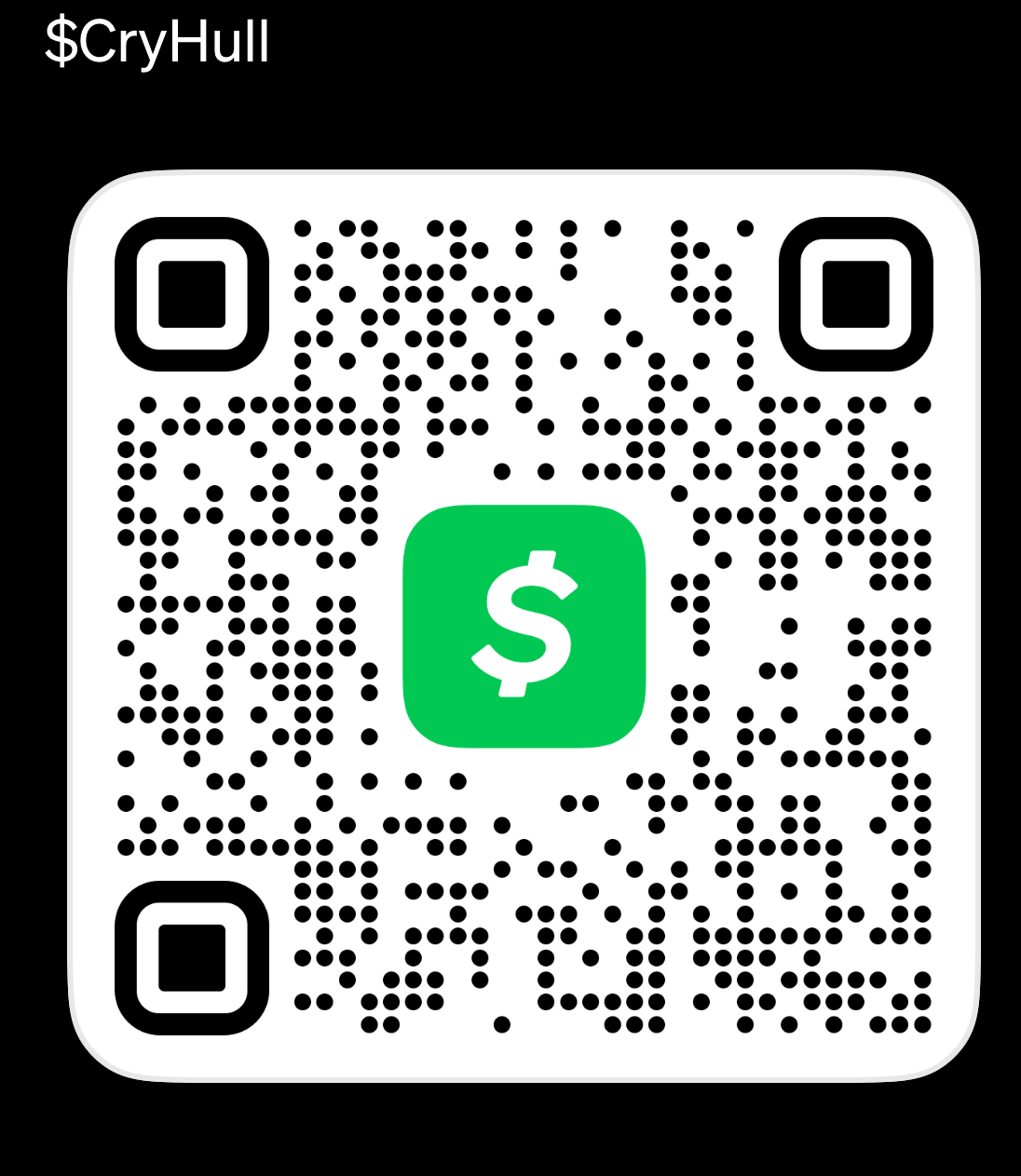
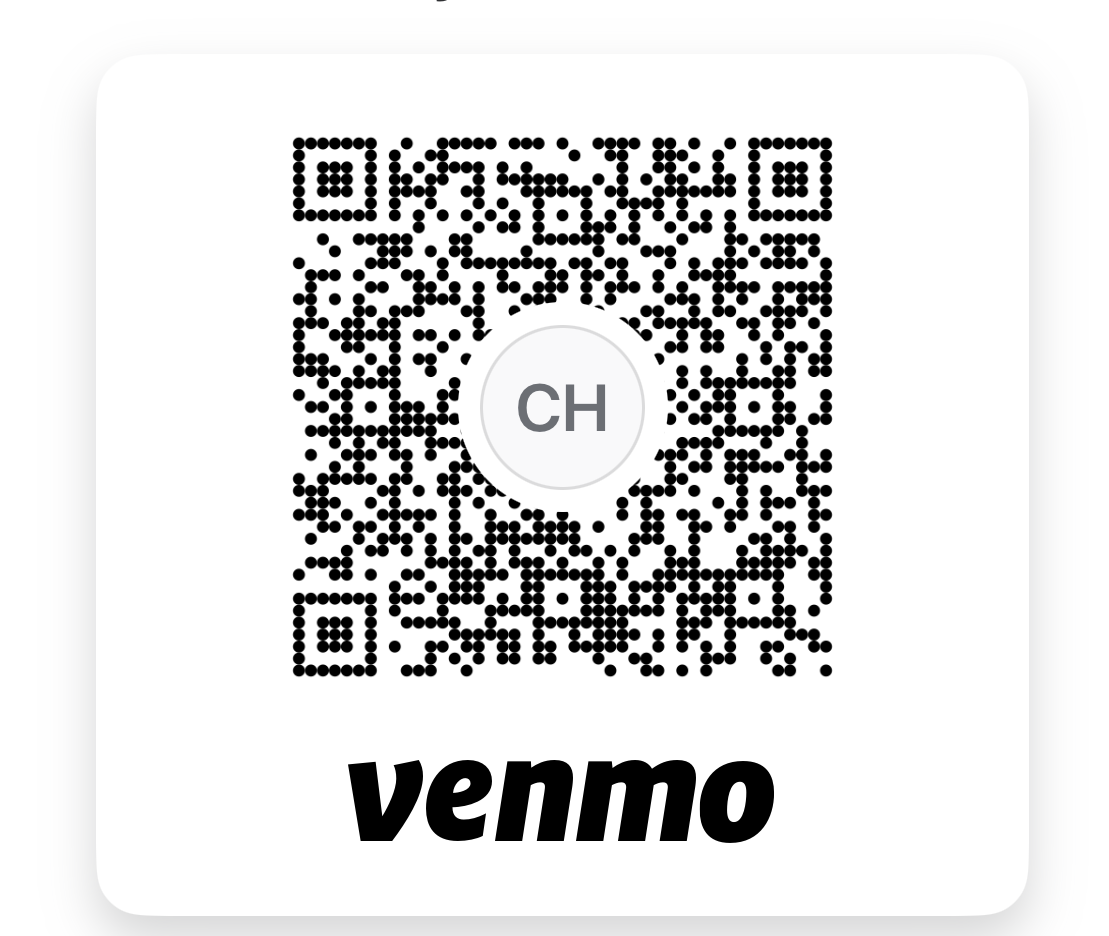
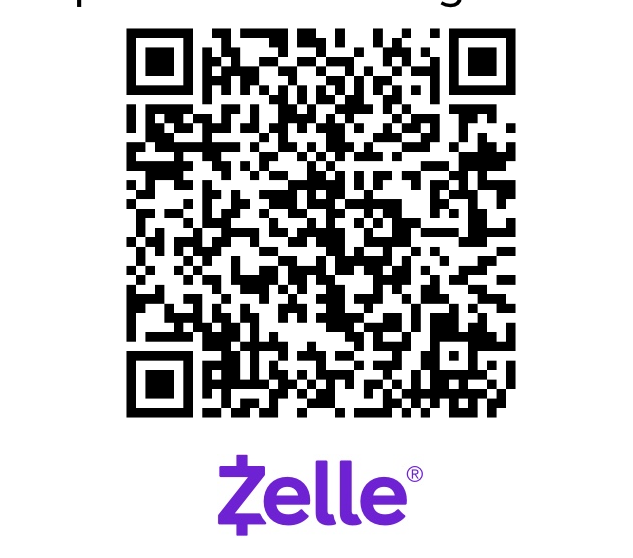
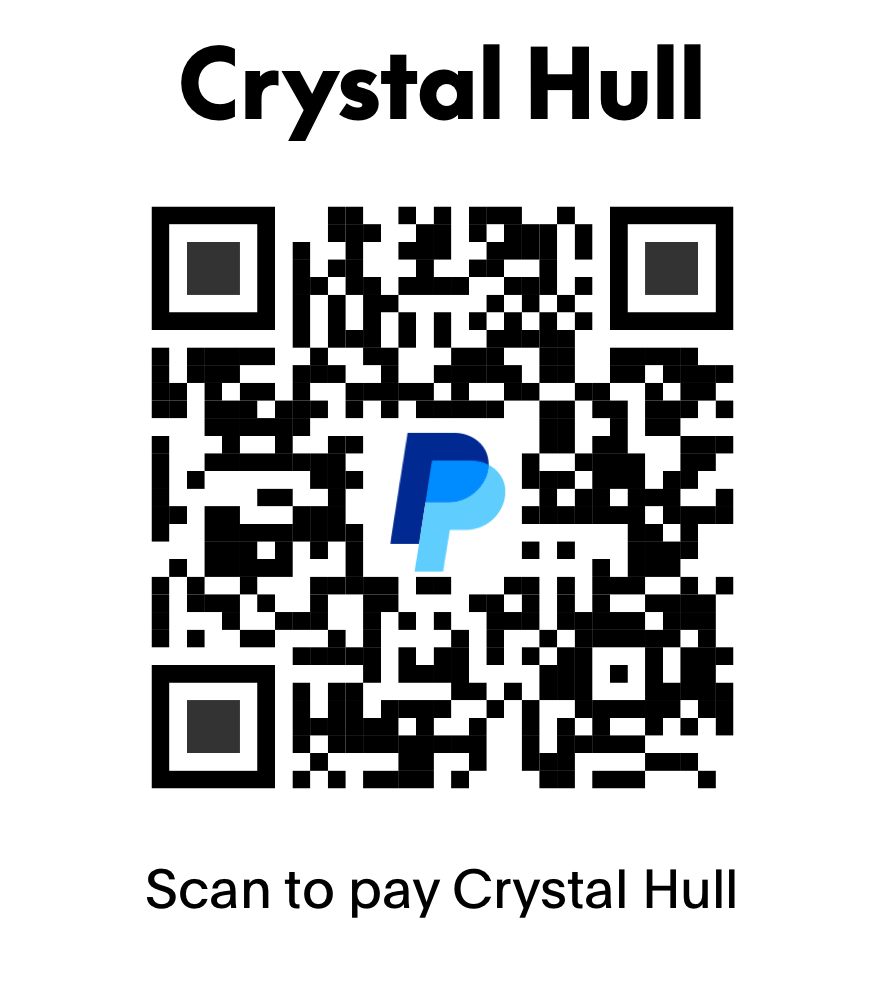
Zelle • Cash App • PayPal • Venmo
You can use the QR codes provided to send your payment—just scan and go.
How It Works
-
Check Your Wins
Once the auction ends, double-check the item(s) you won and your total with a volunteer or at the checkout table. -
Pick Your Payment App
Open Zelle, Cash App, PayPal, or Venmo—whatever works best for you. -
Scan the QR Code
Scan the QR code for your chosen app. It’ll take you straight to the auction account. -
Enter the Total
Make sure you enter the exact amount for your item(s). -
Add a Quick Note
In the notes or memo section, please include:- Your name
- The item number or item name
-
Send It!
Complete the payment in your app. -
Show Confirmation
Show your payment confirmation to a volunteer, and you’re all set to pick up your item(s).
A Few Quick Things to Know
- All sales are final.
- Please only use the official QR codes provided.
- Items can’t be released until payment is confirmed.
- If you need help, just ask—our volunteers are happy to help!
Thanks so much for bidding and supporting the auction—we appreciate you!
Payment Methods